

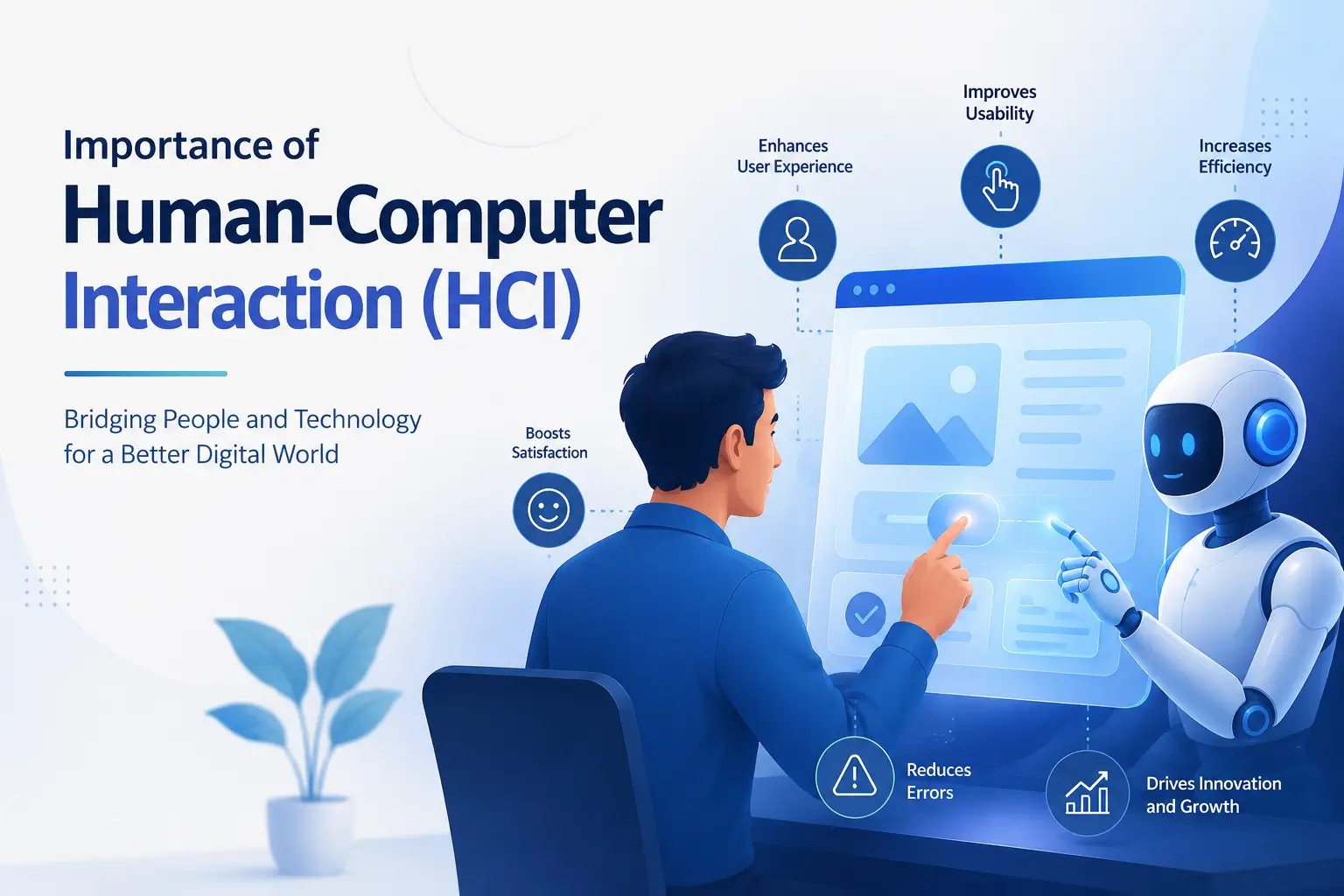
Human-Computer Interaction (HCI) is the study and design of the interaction between humans and computer systems. It focuses on creating technologies that are easy, efficient, and enjoyable for people to use. As computers have become an integral part of daily life, HCI has gained significant importance. From smartphones and laptops to automated machines and smart home devices, people constantly interact with technology. HCI ensures that these interactions are smooth, productive, and user-friendly.
Why Good Design Matters: Lessons from Everyday Objects
The importance of HCI can be understood by observing the design of everyday objects around us. Consider a knife used to cut a cucumber. A knife is designed with a sharp blade for cutting and a handle made of wood, plastic, or rubber for holding it safely. If the entire knife were sharp, it would be dangerous to use. The handle provides comfort, safety, and control, making the cutting process easier and more effective. Similarly, a steering wheel in a car is designed in a circular shape that allows the driver to control the movement of the vehicle with ease. The steering wheel serves as an interface between the driver and the wheels of the car. Without it, controlling the vehicle would be extremely difficult. These examples demonstrate how proper design enables efficient interaction between humans and tools.
Bridging the Gap Between Humans and Computers
In the same way, HCI focuses on providing appropriate interfaces that allow humans to interact effectively with computers. Humans and computers operate in very different ways. Computers process information through electronic signals and machine instructions, whereas humans communicate through language, speech, touch, vision, and physical movements. Therefore, an interface is needed to bridge this gap. Input devices such as keyboards, mice, touchscreens, microphones, and cameras help users send commands to computers, while output devices such as monitors, speakers, and printers provide feedback and results to users.
A simple example of HCI can be seen when a person types a document in Microsoft Word. The keyboard allows the user to enter text, and the monitor displays the typed content instantly. This immediate feedback helps the user verify whether the correct keys have been pressed and whether the desired text has appeared on the screen. Without such interaction mechanisms, using computers would be complicated and inconvenient. Therefore, HCI plays a crucial role in making computer systems practical and accessible to users.
Making Technology Easier to Use
One of the primary objectives of HCI is to improve usability. Usability refers to how easy and effective a system is for users. A well-designed system should be easy to learn, simple to use, and capable of helping users complete tasks with minimal effort. For example, modern smartphone applications are developed with clear icons, simple menus, and intuitive navigation. These design choices allow even first-time users to operate applications without extensive training. By improving usability, HCI reduces user frustration and increases productivity.
Another important aspect of HCI is efficiency. Efficient interfaces enable users to perform tasks quickly and accurately. For instance, keyboard shortcuts such as Ctrl+C and Ctrl+V allow users to copy and paste information much faster than navigating through multiple menus. Similarly, graphical user interfaces (GUIs) provide visual elements such as buttons, icons, and menus that simplify interaction. By reducing the time and effort required to perform tasks, HCI contributes to greater efficiency in personal, educational, and professional environments.
HCI also enhances accessibility. Not all users have the same physical abilities, knowledge, or experience with technology. Some individuals may have visual impairments, hearing difficulties, or mobility limitations. HCI helps designers create systems that accommodate diverse user needs. Examples include screen readers for visually impaired users, voice recognition systems for individuals who cannot type, subtitles for hearing-impaired users, and touch-based interfaces for users with limited motor skills. Through accessibility features, HCI ensures that technology can be used by a wider population.
From Keyboards to Voice Assistants: The Evolution of Interaction
Over the years, numerous interaction methods have been developed. Traditional input devices such as keyboards and mice are now accompanied by touchscreens, voice assistants, gesture-recognition systems, eye-tracking technology, and virtual reality environments. Voice assistants like Siri, Google Assistant, and Alexa allow users to interact with computers through natural speech. Touchscreens have revolutionized the use of smartphones and tablets, making interaction more direct and intuitive. Gesture and gaze-based technologies are particularly useful in specialized environments, such as healthcare and assistive technology. These innovations are the result of continuous research and development in HCI.
Despite these advancements, the keyboard remains one of the most widely used interaction devices. This is because typing is fast, accurate, and efficient for creating documents, emails, reports, and other textual content. Most users learn keyboard skills from an early age, making it a familiar and reliable medium of interaction. Alternative methods such as voice, gesture, and gaze-based interaction offer convenience in certain situations but often require additional attention, specialized equipment, or favorable environmental conditions. As a result, keyboards continue to be a preferred choice for many tasks.
Preventing Mistakes and Improving Safety
HCI is also important because it reduces errors and improves safety. In critical systems such as medical equipment, aircraft controls, and industrial machinery, poorly designed interfaces can lead to serious mistakes and accidents. HCI principles help designers create systems that provide clear instructions, meaningful feedback, and error-prevention mechanisms. By minimizing confusion and mistakes, HCI contributes to the safe operation of technology in high-risk environments.
Furthermore, HCI increases user satisfaction. People prefer technologies that are easy, enjoyable, and comfortable to use. Applications with attractive designs, responsive interfaces, and intuitive controls create positive user experiences. Organizations therefore invest heavily in HCI research and user-centered design to attract and retain customers. A good user experience often determines the success or failure of a product in the marketplace.
In conclusion
Human-Computer Interaction is a vital field that bridges the gap between humans and technology. Just as tools like knives and steering wheels are designed to facilitate effective interaction, computer interfaces are designed to help users communicate with digital systems efficiently and safely. HCI improves usability, efficiency, accessibility, safety, and user satisfaction while enabling people to interact with technology in meaningful ways. As technology continues to evolve, the importance of HCI will continue to grow, ensuring that computer systems remain useful, accessible, and beneficial to all users. If you want to learn more about HCI you can learn more from Coursera- Human Computer Interaction.
References:
- Dix, A. (2004). Human-computer interaction.
- Shove, E. (2007). The design of everyday life. Berg.
- Sharp, H., Preece, J., & Rogers, Y. (2019). Interaction Design: Beyond Human-Computer Interaction 5/E.